Review Shipment Files
Some shippers attach files when posting a shipment to provide additional details or documentation. These files are available directly on the shipment page.
Written By Daniel Santos
Last updated 11 months ago
Where to Find Shipment Files
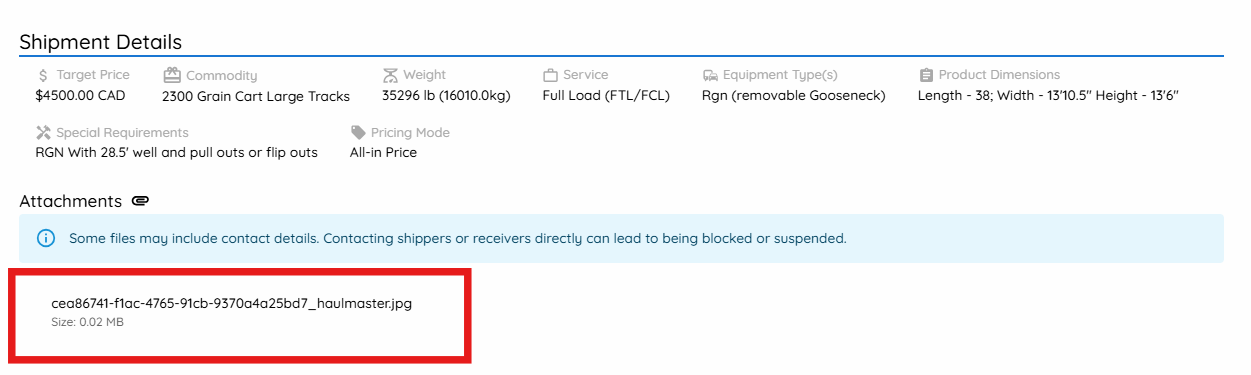
If a shipper has included files:
They appear in the Shipment Details section
Files are listed under Attachments
This section is visible before and after quoting.
How to View or Download Files
To review shipment files:
Open the shipment
Scroll to Shipment Details
Click the file name under Attachments
The file will download or open, depending on the file type.
Was this helpful?
Still need help? Ask the team